
Overview
Starting investigations with what teams can see
A commercial vehicle components company wanted to make it easier for customers visiting its website portal to find the correct parts without relying only on part numbers, exact terminology, or manual navigation through a large catalog.
Its public web presence reflects a broad product environment spanning braking, safety, air management, trailer, vehicle dynamics, and wheel-end solutions, along with digital tools for part search, technical documentation, and customer self-service.
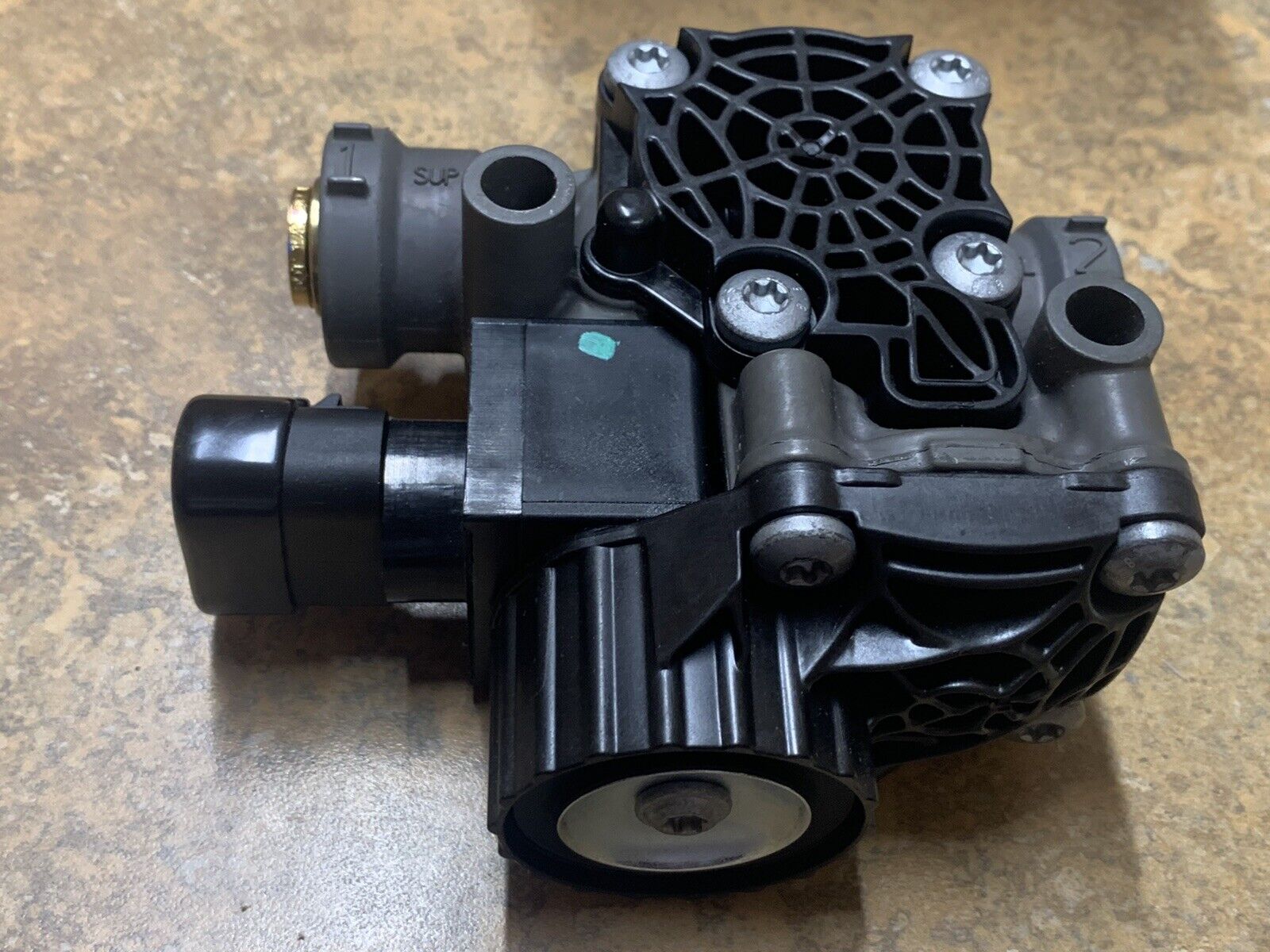
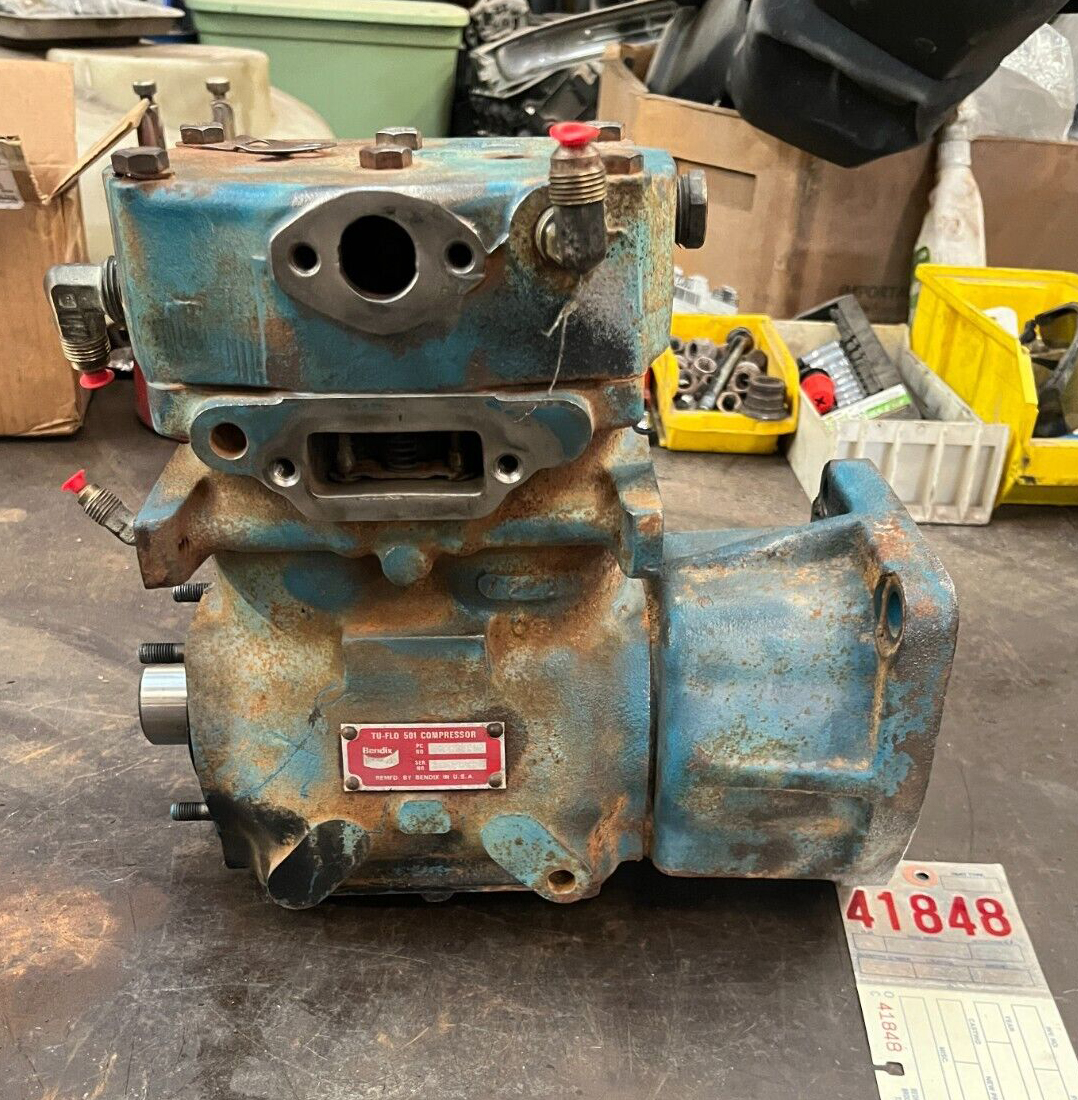
VizSeek helped extend that experience by adding visual search so visitors could begin with what they had in front of them: a photo taken at a parts counter or an in-situ image captured in the field.
The Challenge
The challenge
For many aftermarket and service workflows, the first piece of information available is not a clean part number. It is a physical part in someone’s hand, on a counter, or still installed on a vehicle. That makes traditional keyword-first portal navigation harder, especially across a large catalog with many related part families, technical variations, and product categories.
Needed Capabilities
- Help visitors start with a part photo instead of a precise part number
- Route users to the correct product category more quickly
- Reduce manual browsing across a large portal catalog
- Support counter, field-service, and replacement-part lookup workflows
- Improve self-service part discovery for website visitors
The Solution
The solution
VizSeek was used to add visual search to the customer website portal. Instead of forcing visitors to begin with exact text input, the experience allowed them to upload a photo they had taken of a part on a counter or in the field.
VizSeek analyzed the visual characteristics of the uploaded image and used that information to guide the visitor toward the most relevant product category in the portal.
That created a more practical first step for users who recognized the part visually but did not yet know the correct naming, category path, or product family. It also helped bridge the gap between a physical maintenance situation and the structured digital catalog.
Visual conditions
Counter-top part photos
In-situ field images
Replacement part identification workflows
Category routing across a large parts catalog
Portal self-service product discovery
Visual matching when exact terminology is unknown
Workflow
How it worked in practice
A visitor entered the portal needing help identifying a part. Instead of manually drilling through product menus or trying multiple search terms, the visitor uploaded a photo of the part as it appeared on a counter or on the vehicle.
01
Uploaded part image from the user
02
Visual characteristics of the photographed component
03
Relevant product families and catalog categories
04
Portal category structure and part search paths
05
Self-service navigation toward the correct parts section
Results
Results
The biggest gain came from making the search experience more natural for users in real service and replacement workflows. Rather than depending entirely on exact text lookup, the portal could respond to what the visitor could see and photograph.
- OK Faster self-service part discovery on the website portal
- OK Reduced reliance on exact part numbers or terminology
- OK Quicker routing to the correct catalog category
- OK Better support for counter and field-service workflows
- OK A more intuitive digital experience for replacement-part search
Why It Mattered
Why it mattered
In parts businesses, customers often start with an urgent real-world need: identify this part, find the right family, and get to the correct next step quickly. That is especially true when a vehicle is being serviced and the user has a component in hand but limited descriptive information.
VizSeek helped bridge that moment by letting the website portal respond to visual input instead of text alone. That made the digital experience better aligned with how customers actually search in the field.
For a company with broad product coverage, portal tools, technical documentation, and self-service search workflows, visual search creates a more accessible front door into the catalog.
Conclusion
Conclusion
VizSeek helped this commercial vehicle components company improve website product discovery by enabling customers to upload part photos and get routed toward the correct category faster. By turning a field or counter image into a practical search input, the portal became easier to use for customers who knew the part visually before they knew exactly what to call it.