1
Start with an image, drawing, model, or text
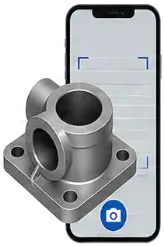
Visual Search → Intelligence → Automation
Find the part your shop already has before anyone re-quotes, re-designs, or re-makes it. Search CAD files, drawings, images, and technical documents—then let AI extract data, compare parts, connect systems, and automate manufacturing workflows.
Start with an image, drawing, model, or text
Extract shape, text, metadata, and context
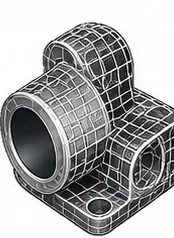
Understand the engineering intent

Find similar parts and related files
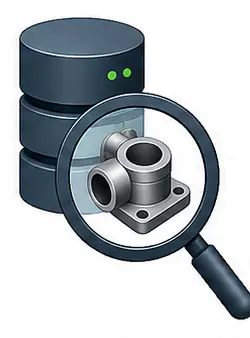
See ranked matches across systems
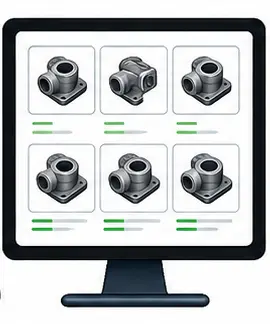
Compare PMI, attributes, and records
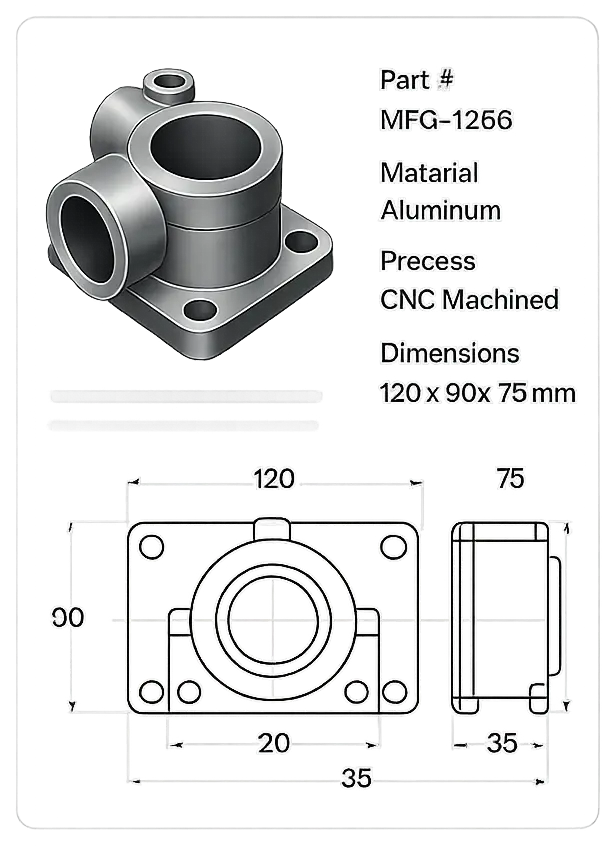
Reuse, quote, source, or automate the next step

Swipe through the workflow
Start with an image, drawing, model, or text
Extract shape, text, metadata, and context
Understand the engineering intent
Find similar parts and related files
See ranked matches across systems
Compare PMI, attributes, and records
Reuse, quote, source, or automate the next step
AI Agents for Manufacturing
VizSeek helps manufacturers turn AI into practical workflow automation from visually searching CAD files and drawings to extracting data, comparing parts, supporting quoting, and reducing repetitive manual tasks.
75%+
Engineering feels it first, but quoting, procurement, and the shop floor repeat the same work too when teams cannot quickly find what the business already owns. VizSeek surfaces the parts, prints, and documents you've already created so teams can move faster without paying twice for the same work.
Estimate from the Purdue research VizSeek grew out of: Iyer et al., Computer-Aided Design, 2005
Partners and customers
We work with companies of all sizes around the world to solve real life search problems. We do this by finding innovative ways to complement one another’s technologies, building powerful smart solutions.
























Swipe through partners
Built on Search, Intelligence & Agentic AI
VizSeek combines visual search, connected data, and agentic automation to help teams find files, extract information, compare parts, and move work forward faster.
Search CAD files, drawings, documents, images, and metadata using visual similarity and shared context across file types.
Link parts, drawings, suppliers, materials, revisions, and related records so teams can understand how technical data connects across systems.
Use AI agents to extract information, compare parts, summarize findings, support quoting, and help move technical work forward faster.
Configurable AI Workflow Agents
VizSeek agents can be configured around quoting, engineering reuse, sourcing, MRO, ecommerce, and tooling — helping teams find the right data, understand it, and move the next step forward.
Test the fit
Bring a representative set of parts, drawings, models and documents to see what VizSeek can find, extract and automate
Embedded AI Visual Search
VizSeek can power visual search inside a customer-built CAD interface, search across connected systems and file repositories, then return reusable engineering data back into CAD.
Step 1
A user starts with a drawing, shape, or sketch in a customer-built CAD workflow and sends that input to VizSeek.
Step 2
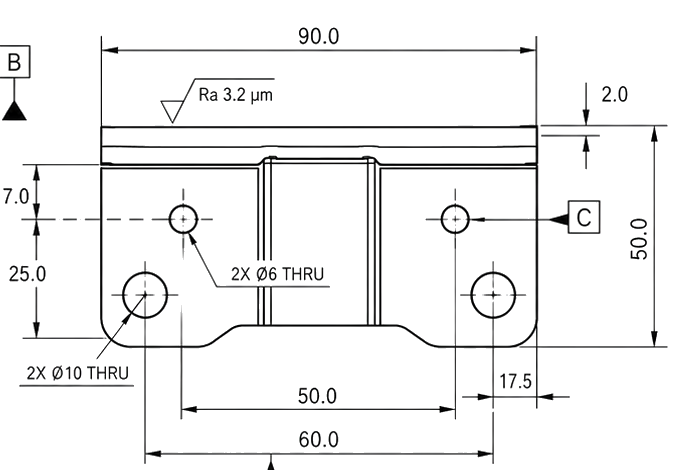
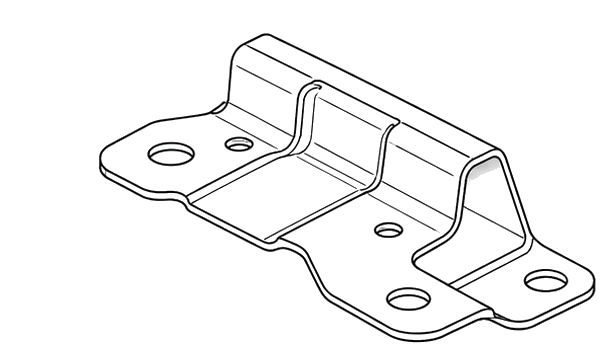
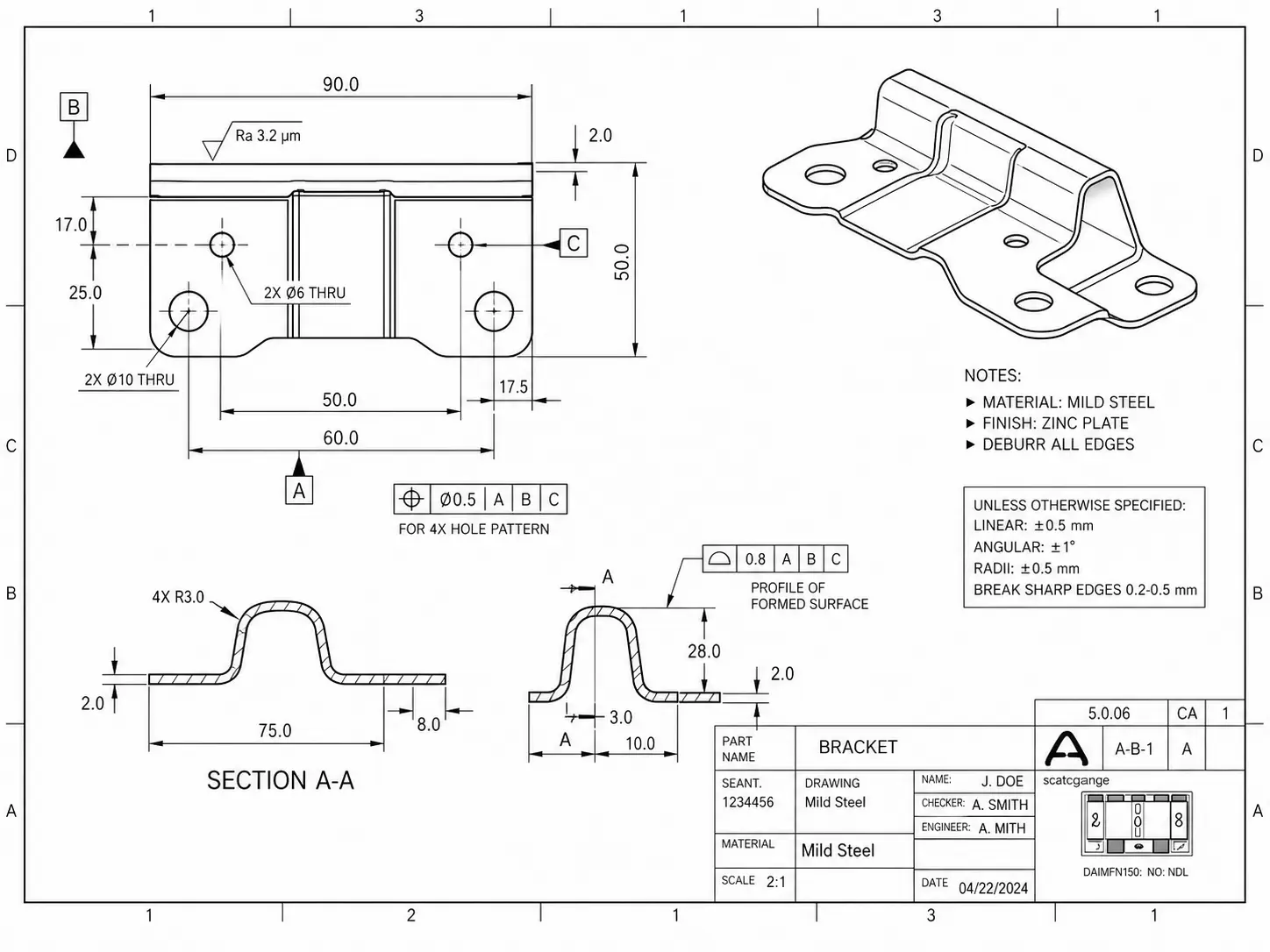
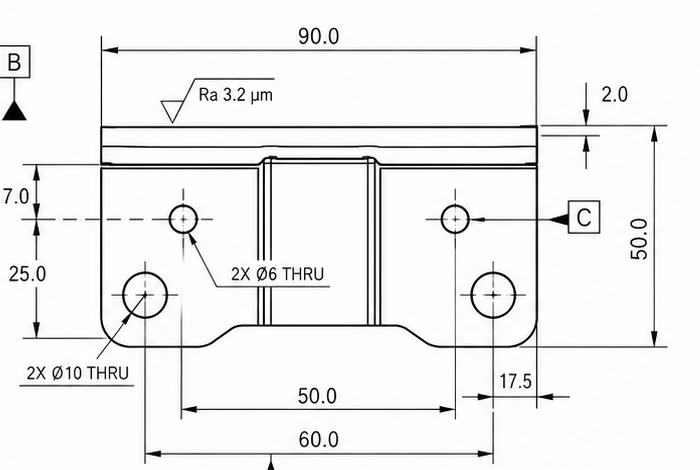
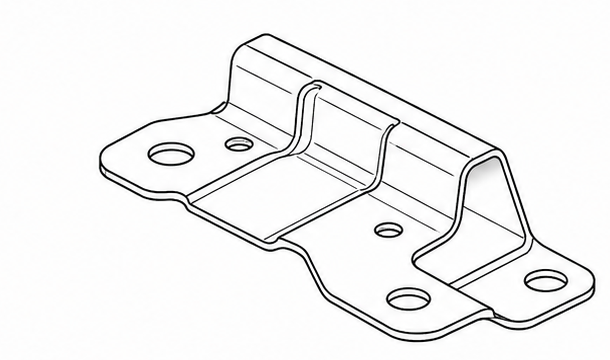
VizSeek extracts shapes, attributes, and PMI so the search can use engineering context instead of only filenames.
Structured PMI extraction
{
  "Part_Identification": {
    "Part_Name": "BRACKET",
    "Drawing_Number": "A-6-1",
    "Material": "Mild Steel",
    "Finish": "Zinc Plate",
    "Scale": "2:1",
    "Drawn_By": "J. DOE",
    "Checked_By": "A. SMITH",
Top view
ISO view
Step 3
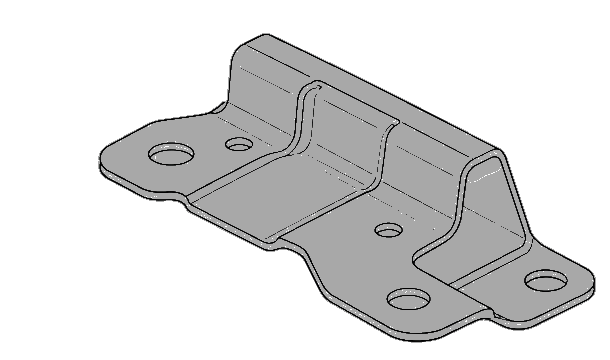
Matching parts, drawings, PDFs, and system records come back into the workflow so engineers can act immediately.
Bracket-AX204
Exact shape match found with released model, supplier context, and related records.
Connected systems
PLM
Approved parts + revisions
PDM
Drawings + release records
ERP
Supplier, cost, quote history
SharePoint
Project docs + shared files
Engineering Data, Activated
Find the right data faster, reduce duplicate work, and accelerate manufacturing workflows with AI-powered visual search, data extraction, and agentic automation across your existing systems.
Search by image, shape, drawing, sketch, 3D model, text, or extracted attributes instead of relying on exact file names, folders, or metadata.
Surface existing designs, parts, drawings, and documents before teams recreate work from scratch.
Reuse proven work and reduce engineering effort.
Use AI to read drawings, documents, and part data to identify key details such as dimensions, materials, tolerances, metadata, and related technical information.
Combine visual similarity, text search, metadata, and extracted engineering data to return more relevant results faster.
Support engineering, quoting, sourcing, ecommerce, service, aftermarket, MRO, and tooling workflows with better retrieval and actionable data.
Cross-file type, cross-system search
Search by photo, sketch, 2D drawing or 3D model across 40+ file types - all from your own private data.
Supported formats
Search support spans CAD, drawings, documents, images, office files, and media. Read and write strips below show geometry capability coverage across Tessellation, BREP, and PMI.
Read capabilities
What VizSeek can ingest and interpret from the source format.
Write capabilities
What VizSeek can export back out for supported geometry formats.
| Format | Extension | Read | Write |
|---|---|---|---|
| 3MF | 3MF | Tess BREP PMI | Tess BREP PMI |
| ACIS | SAT, SAB | Tess BREP PMI | Tess BREP PMI |
| AutoCAD DWG | DWG | Tess BREP PMI | |
| AutoCAD DXF | DXF | Tess BREP PMI | |
| Autodesk 3DS | 3DS | Tess BREP PMI | |
| Autodesk Inventor | IPT, IAM | Tess BREP PMI | |
| Autodesk Navisworks | NWD | Tess BREP PMI | |
| Autodesk DWF | DWF, DWFX | Tess BREP PMI | |
| CATIA V4 | MODEL, SESSION, DLV, EXP | Tess BREP PMI | |
| CATIA V5 | CATDrawing, CATPart, CATProduct, CATShape, CGR | Tess BREP PMI | |
| CATIA V6 / 3DExperience | 3DXML | Tess BREP PMI | |
| COLLADA | DAE | Tess BREP PMI | |
| Creo - Pro/E | ASM, NEU, PRT, XAS, XPR | Tess BREP PMI | |
| FBX | FBX | Tess BREP PMI | Tess BREP PMI |
| GL Transmission Format | GLTF, GLB | Tess BREP PMI | |
| I-deas | MF1, ARC, UNV, PKG | Tess BREP PMI | |
| IFC | IFC, IFCZIP | Tess BREP PMI | |
| IGES | IGS, IGES | Tess BREP PMI | Tess BREP PMI |
| JT | JT | Tess BREP PMI | Tess BREP PMI |
| NX - Unigraphics | PRT | Tess BREP PMI | |
| Parasolid | X_B, X_T, XMT, XMT_TXT | Tess BREP PMI | Tess BREP PMI |
| PRC | PRC | Tess BREP PMI | Tess BREP PMI |
| Revit | RVT, RFA | Tess BREP PMI | |
| Rhino3D | 3DM | Tess BREP PMI | |
| Solid Edge | ASM, PAR, PWD, PSM | Tess BREP PMI | |
| SolidWorks | SLDASM, SLDPRT | Tess BREP PMI | |
| STEP | STP, STEP, STPZ | Tess BREP PMI | Tess BREP PMI |
| STEP/XML | STPX, STPXZ | Tess BREP PMI | |
| Stereo Lithography (STL) | STL | Tess BREP PMI | Tess BREP PMI |
| Universal 3D (U3D) | U3D | Tess BREP PMI | Tess BREP PMI |
| USD | USD | Tess BREP PMI | |
| VDA-FS | VDA | Tess BREP PMI | |
| VRML | WRL, VRML | Tess BREP PMI | Tess BREP PMI |
| Wavefront OBJ | OBJ | Tess BREP PMI | Tess BREP PMI |
| 3D PDF | PDF | Tess BREP PMI | |
| Excel Document | XLS, XLSX, XLSM | ||
| Images | JPG, JPEG, PNG, WEBP | ||
| Outlook Messages | MSG | ||
| PDF | PDF | ||
| Power Point Document | PPT, PPTX | ||
| Video | AVI, MP4, MOV | ||
| Word Document | DOC, DOCX |
19%
Companies struggle with locating past work across siloed systems. As a result, they waste time and resources recreating parts, documentation, and designs. VizSeek solves this by enabling intelligent, multimodal search via text, images, or sketches across large datasets of digital assets.
Flexible deployment and integration
Deploy VizSeek in the way your environment requires, whether that means cloud delivery or on-premises deployment, then connect visual search across the systems you already use.
Deployment options
Cloud deployment
Managed delivery for teams that want faster rollout, lower infrastructure overhead, simpler updates, and easier scaling across locations and users.
Cloud architecture
Users & Apps
Browser, API clients, customer systems
Cloud edge + access
WAF / Gateway
Ingress, TLS termination, request routing
Virtual Network
Isolated cloud network and service boundaries
VizSeek services
UI + API
Application layer and orchestration
Search Cluster
Indexer, searcher, autoscaling compute
Data Layer
Database, file services, indexed content
AI Inference
GPU-backed services for visual understanding
On-premises deployment
Support stricter security, governance, network-control, and data-residency requirements while keeping search infrastructure inside your own environment.
On-premises architecture
Internal users
VPN or internal network access
Company network
UI + API
Internal app access and orchestration
Search Services
Indexer, searcher, database, file services
Inference
Visual AI services running inside your network
Control & Governance
Infrastructure, network, and data stay under your control
Docker-based deployment
VizSeek is packaged and delivered as a docker-based deployment for on-premises environments, simplifying rollout, updates, and ongoing management.
Validate success
See how VizSeek performs with your real parts drawings, files and 3D models through a guided proof of concept